Improved speaker assignment for automated transcription
Improved UX when the desktop app needs to be updated
Desktop apps updated to 3.0 (Mac = 3.0.5, Windows = 3.0.6)
UPCOMING FEATURE RELEASES:
May 20th: Improved presenter UX for screensharing.
When a presenter shared their screen they will see the following image, letting them know that they are sharing their screen
If the presenter activates annotation or another participant begins annotating on the screenshare, the following toast message will appear
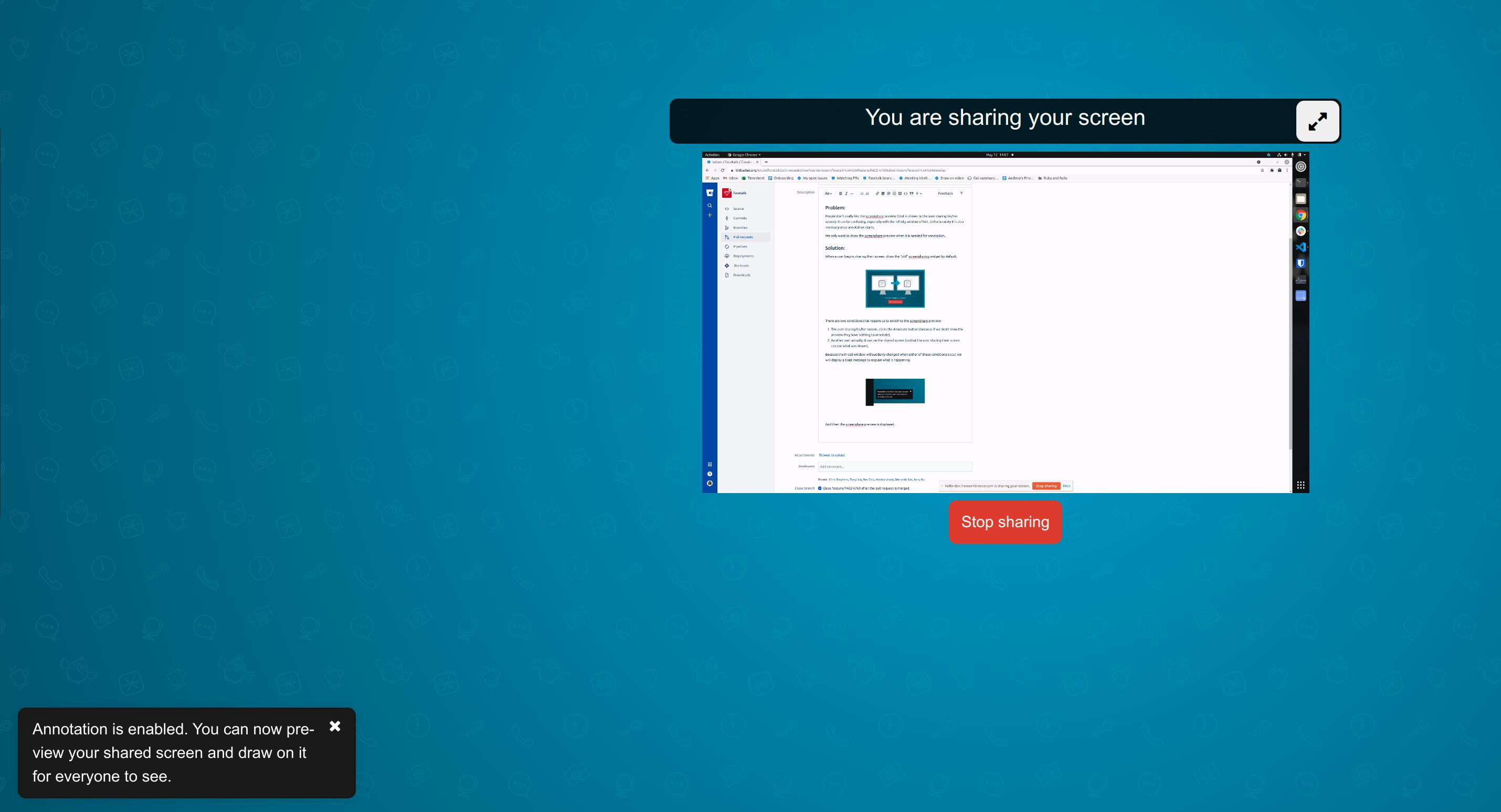
The presenter will then be able to see their shared screen in place of the image above. They will then be able to annotate on the shared screen and also enlarge the size of the preview.
May 20th: Instant Join
USER STORY: As a regular user of video conferencing from the same device and browser and using the same audio equipment, I want to be able to join my meetings faster.
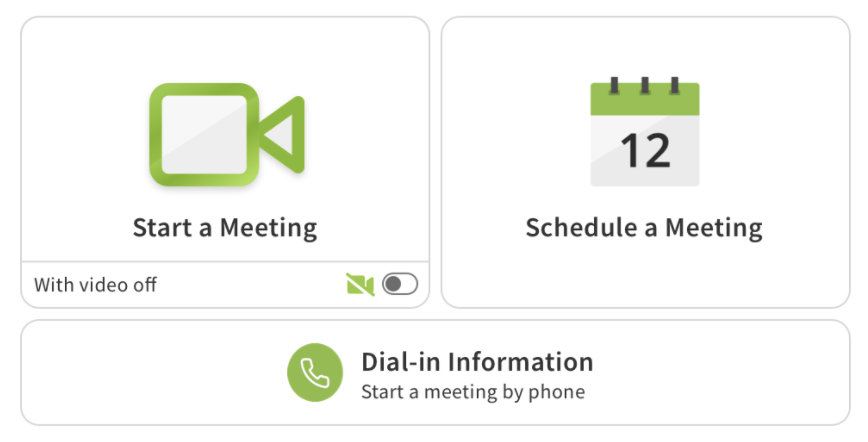
Meeting hosts will be able to skip the video and audio preview screen when starting a meeting. Audio and video settings will be added at the account level settings menu.
May 27th: Private Chat
USER STORY: As a participant or moderator, I would like to be able to send a message directly to another person in that meeting without anyone else seeing that message. I would like to be able to have multiple simultaneous chat threads taking place at the same time with different individuals.
May: Annotation on video tiles
Enable annotating on video feeds as well as screen sharing. This is very useful in field service and medical scenarios where annotating on a video feed is very helpful. Wireframes will be shared in next week’s update.
May: Screen sharing UI enhancement
Only showing the screen sharing preview to presenters when annotation is active. This should reduce issues with the infinity mirror. Wireframes will be provided in next week’s update.
June: Laser pointer for annotations
We are adding a laser pointer to our annotation tools. This will allow all participants to follow the mouse of the participant annotating. More details will be provided in next week’s update.
Postponed to July: Dial-out/Call me - allows a host to call participants directly into a meeting via phone, or for a participant to be called by the application.
BUG FIXES:
BUG ID
Summary
Created
Resolved
FACE-6824
Prevent "Recording started" to be played when phone participant joins the meeting
13/May/21
13/May/21
FACE-6825
Selecting a different Mic In call restarts camera, if joined with virtual background active
13/May/21
13/May/21
FACE-6203
Ending call with chat sidebar open causes the next call to already have the sidebar open
19/Feb/20
13/May/21
FACE-6791
Admitting into InCall from Waiting w/ Music on hold sometimes shows an error toaster
07/May/21
13/May/21
FACE-6784
Usage summary CSVs are not exporting properly
06/May/21
13/May/21
0 Votes
0 Comments
People who like this
Delete Comment
This post will be deleted permanently. Are you sure?
v2.6.240.11
UX Improvements:
UPCOMING FEATURE RELEASES:
May 20th: Improved presenter UX for screensharing.
When a presenter shared their screen they will see the following image, letting them know that they are sharing their screen
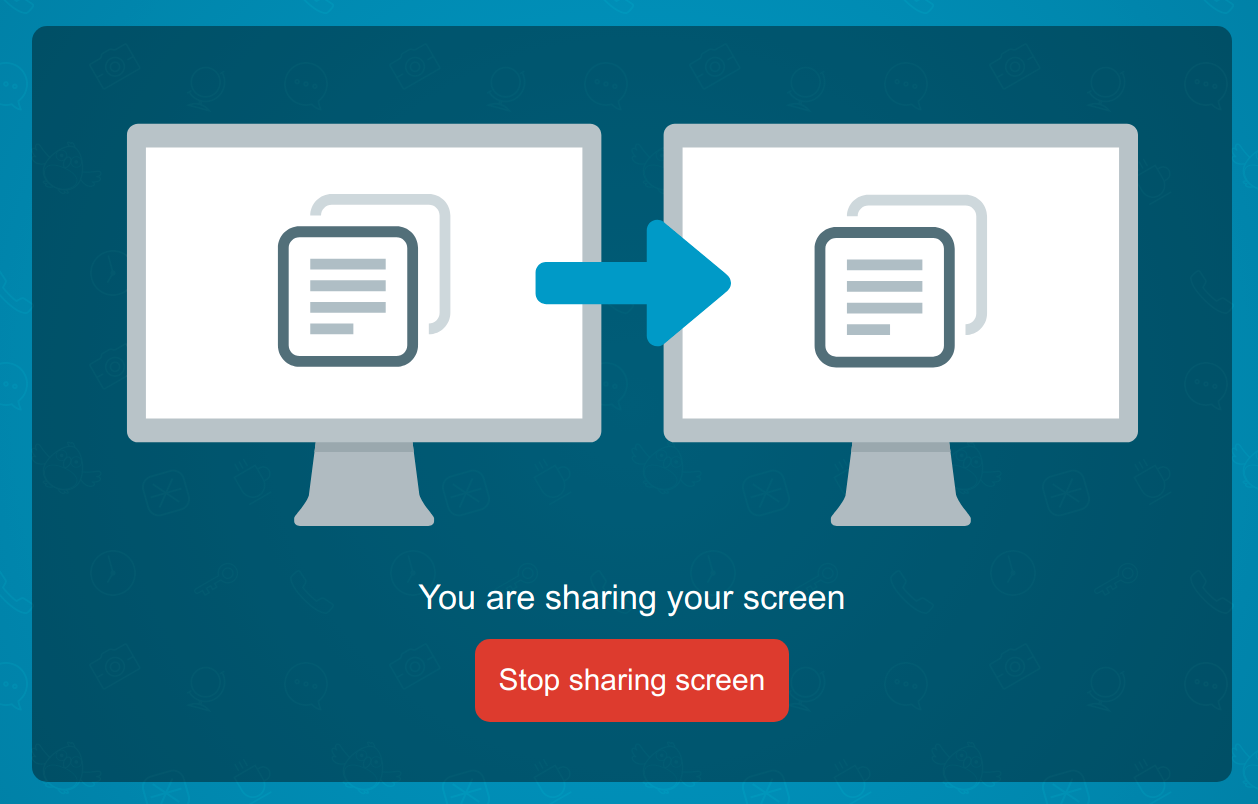
If the presenter activates annotation or another participant begins annotating on the screenshare, the following toast message will appear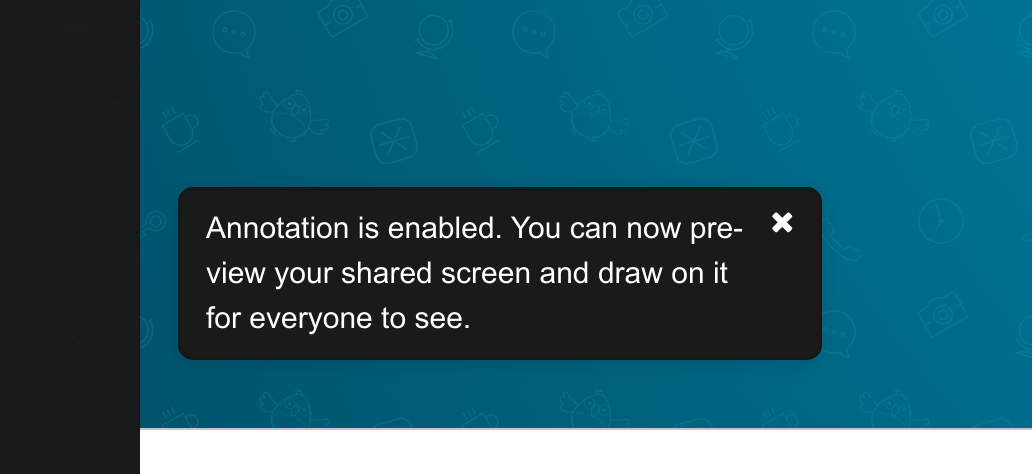
The presenter will then be able to see their shared screen in place of the image above. They will then be able to annotate on the shared screen and also enlarge the size of the preview.
May 20th: Instant Join
USER STORY: As a regular user of video conferencing from the same device and browser and using the same audio equipment, I want to be able to join my meetings faster.
Meeting hosts will be able to skip the video and audio preview screen when starting a meeting. Audio and video settings will be added at the account level settings menu.
May 27th: Private Chat
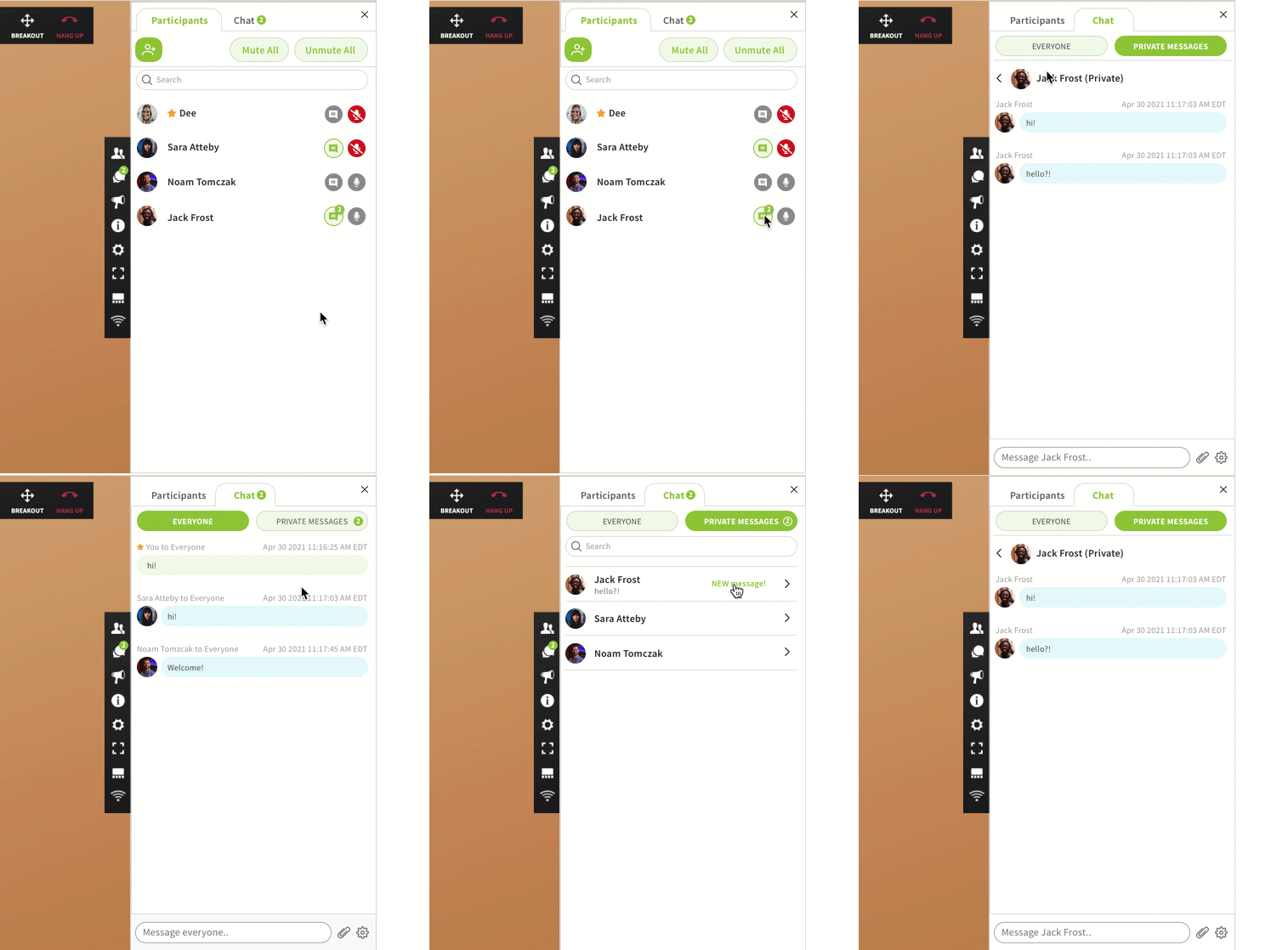
USER STORY: As a participant or moderator, I would like to be able to send a message directly to another person in that meeting without anyone else seeing that message. I would like to be able to have multiple simultaneous chat threads taking place at the same time with different individuals.
May: Annotation on video tiles
Enable annotating on video feeds as well as screen sharing. This is very useful in field service and medical scenarios where annotating on a video feed is very helpful. Wireframes will be shared in next week’s update.
May: Screen sharing UI enhancement
Only showing the screen sharing preview to presenters when annotation is active. This should reduce issues with the infinity mirror. Wireframes will be provided in next week’s update.
June: Laser pointer for annotations
We are adding a laser pointer to our annotation tools. This will allow all participants to follow the mouse of the participant annotating. More details will be provided in next week’s update.
Postponed to July: Dial-out/Call me - allows a host to call participants directly into a meeting via phone, or for a participant to be called by the application.
BUG FIXES:
BUG ID
Summary
Created
Resolved
FACE-6824
Prevent "Recording started" to be played when phone participant joins the meeting
13/May/21
13/May/21
FACE-6825
Selecting a different Mic In call restarts camera, if joined with virtual background active
13/May/21
13/May/21
FACE-6203
Ending call with chat sidebar open causes the next call to already have the sidebar open
19/Feb/20
13/May/21
FACE-6791
Admitting into InCall from Waiting w/ Music on hold sometimes shows an error toaster
07/May/21
13/May/21
FACE-6784
Usage summary CSVs are not exporting properly
06/May/21
13/May/21
0 Votes
0 Comments