Higher video resolution when there are 3 - 6 participants in the meeting. Slightly higher video resolution will be used when there are 7 - 25 participants displayed on the screen. This should result in users experiencing better overall video quality during meetings.
Waiting room UI more responsive
Don't show 2 different mic (or cam) toast when device is changed quickly
Change styling of 'Admit all' to align with brand/theme guidelines
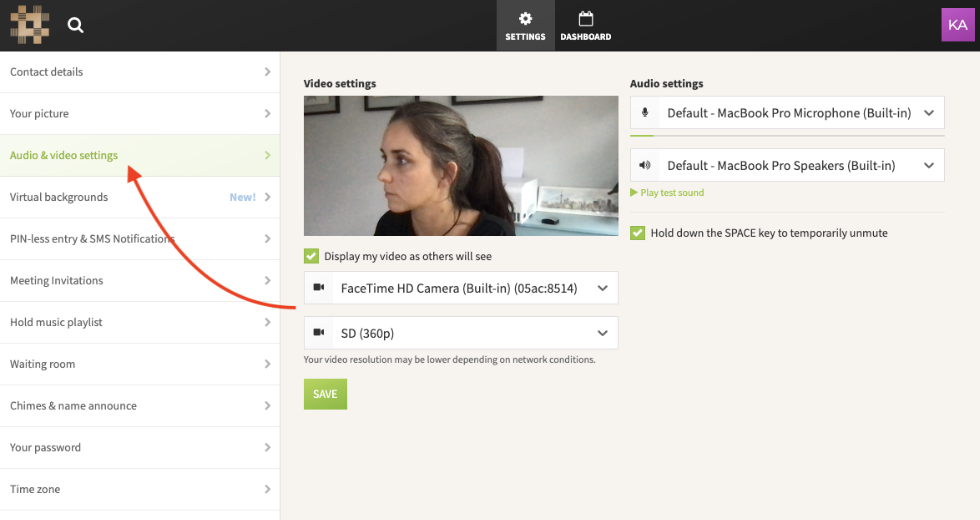
Audio/video settings added to account settings
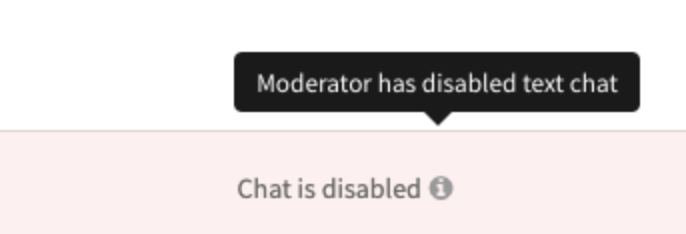
Improved messaging when chat is disabled. Moderators can now send messages when chat is disabled for participants.
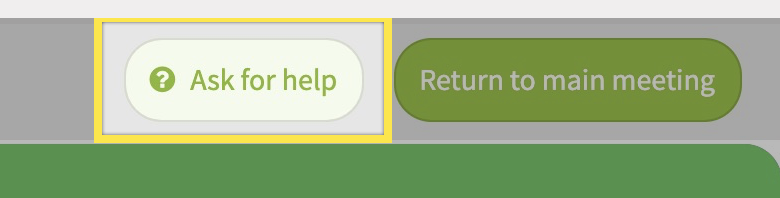
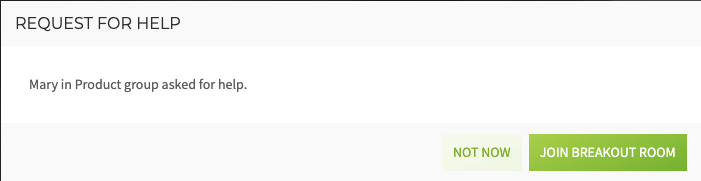
Breakout rooms - ask for help button
BUG FIXES:
BUG ID
Summary
Created
Resolved
FACE-6936
Unable to access companies in staging environment
03/Jun/21
04/Jun/21
FACE-6932
Saving participant in-call devices doesn't work
02/Jun/21
04/Jun/21
FACE-6904
Mod calling 'end-meeting' does not reliably mark all participants as "left"
27/May/21
04/Jun/21
FACE-6892
Participant in waiting room who leaves the room somehow makes into the meeting (only their tile)
25/May/21
04/Jun/21
FACE-6883
People get kicked out of waiting room when someone else leaves waiting room
24/May/21
04/Jun/21
FACE-6875
Instant join is not instant on Mobile apps
20/May/21
04/Jun/21
FACE-6860
"Recording paused" prompt played after joining a succession of meetings using the same room
19/May/21
04/Jun/21
FACE-6801
Changing Conference mode while Guests are on JoinUX breaks the In call page
10/May/21
04/Jun/21
UPCOMING FEATURE RELEASES:
Private Chat
Private chat has been delayed 1 week due to some more complicated bugs found during testing during the week. We are confident it will be ready next week and released June 10th.
The Laser Pointer is in production and can be tested by turning on the “Laser Pointer” feature flag.
We are working on tweaks
Instant Join
Released to all beta plans on May 20th. Planned for public release on June 10th.
USER STORY: As a regular user of video conferencing from the same device and browser and using the same audio equipment, I want to be able to join my meetings faster.
Meeting hosts will be able to skip the video and audio preview screen when starting a meeting. Audio and video settings have been added to the account level settings menu.
We’re adding the ability to modify the Host’s video settings and set their virtual backgrounds from their dashboard settings before joining a meeting.
Dual Channel Camera & Screen Share
User story: As a presenter I would like the participants of my meeting to be able to see my camera feed while I share my screen.
Available on all BETA Plans only
We have had this feature turned on for all Callbridge and FreeConference direct customers since last Thursday May 27th. Our customer support team has not reported any issues to date. If this continues we plan to make the feature available for all partners on June 10th.
Dual channel has been turned on for some partners by request.
v2.6.242.33
Release Notes:
Higher video resolution when there are 3 - 6 participants in the meeting. Slightly higher video resolution will be used when there are 7 - 25 participants displayed on the screen. This should result in users experiencing better overall video quality during meetings.
Waiting room UI more responsive
Don't show 2 different mic (or cam) toast when device is changed quickly
Change styling of 'Admit all' to align with brand/theme guidelines
Audio/video settings added to account settings
Improved messaging when chat is disabled. Moderators can now send messages when chat is disabled for participants.
Breakout rooms - ask for help button
BUG FIXES:
BUG ID
Summary
Created
Resolved
FACE-6936
Unable to access companies in staging environment
03/Jun/21
04/Jun/21
FACE-6932
Saving participant in-call devices doesn't work
02/Jun/21
04/Jun/21
FACE-6904
Mod calling 'end-meeting' does not reliably mark all participants as "left"
27/May/21
04/Jun/21
FACE-6892
Participant in waiting room who leaves the room somehow makes into the meeting (only their tile)
25/May/21
04/Jun/21
FACE-6883
People get kicked out of waiting room when someone else leaves waiting room
24/May/21
04/Jun/21
FACE-6875
Instant join is not instant on Mobile apps
20/May/21
04/Jun/21
FACE-6860
"Recording paused" prompt played after joining a succession of meetings using the same room
19/May/21
04/Jun/21
FACE-6801
Changing Conference mode while Guests are on JoinUX breaks the In call page
10/May/21
04/Jun/21
UPCOMING FEATURE RELEASES:
Private Chat
Private chat has been delayed 1 week due to some more complicated bugs found during testing during the week. We are confident it will be ready next week and released June 10th.
Mock-up preview links:
https://invis.io/KQ10Y8RID3VP
https://invis.io/GM10VLHA2VQ3
Laser Pointer
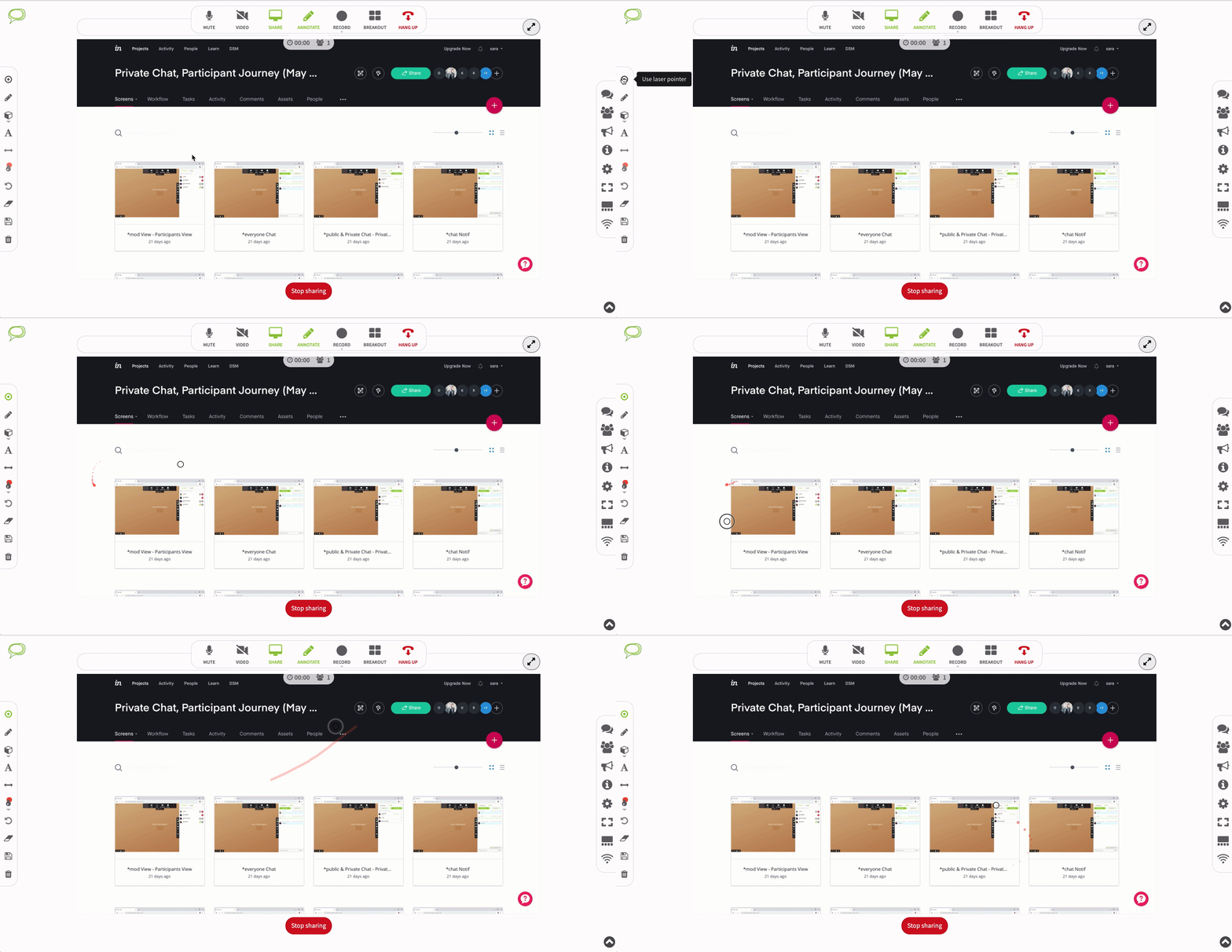
The Laser Pointer is in production and can be tested by turning on the “Laser Pointer” feature flag.
We are working on tweaks
Instant Join
Released to all beta plans on May 20th. Planned for public release on June 10th.
USER STORY: As a regular user of video conferencing from the same device and browser and using the same audio equipment, I want to be able to join my meetings faster.
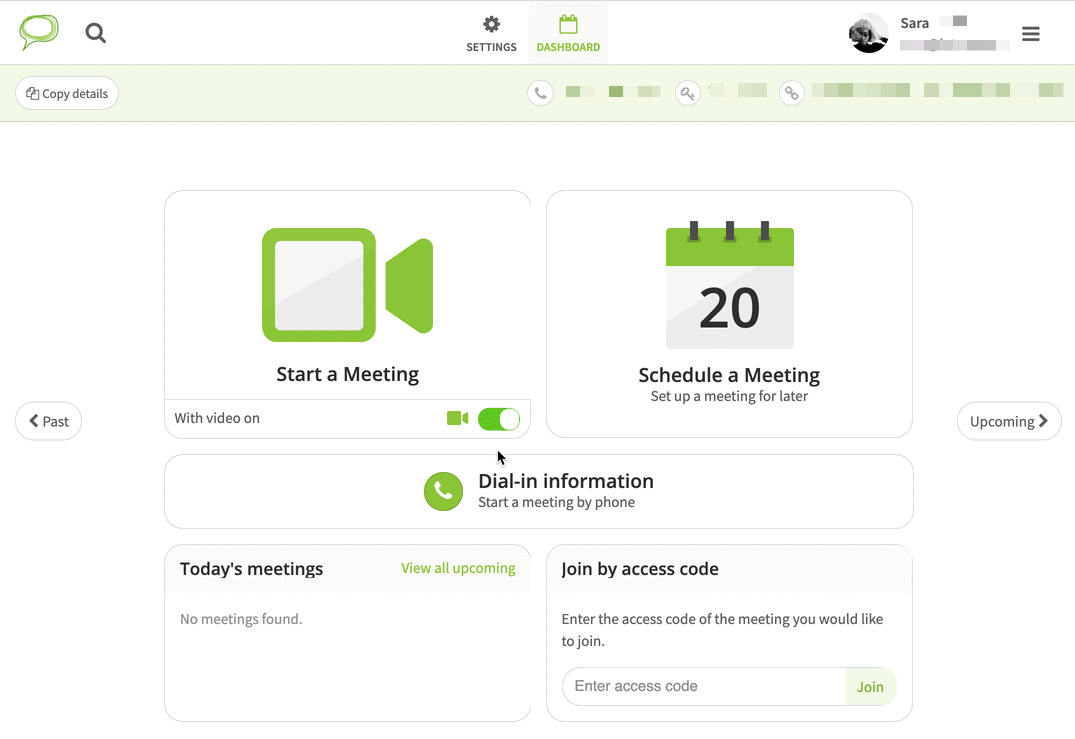
Meeting hosts will be able to skip the video and audio preview screen when starting a meeting. Audio and video settings have been added to the account level settings menu.
We’re adding the ability to modify the Host’s video settings and set their virtual backgrounds from their dashboard settings before joining a meeting.
Dual Channel Camera & Screen Share
User story: As a presenter I would like the participants of my meeting to be able to see my camera feed while I share my screen.
Available on all BETA Plans only
We have had this feature turned on for all Callbridge and FreeConference direct customers since last Thursday May 27th. Our customer support team has not reported any issues to date. If this continues we plan to make the feature available for all partners on June 10th.
Dual channel has been turned on for some partners by request.
*See attached pdf for upcoming feature releases
Attachments (1)
Planning and Delivery 2021 - Product Roadmap List View.pdf
57.2 KB
0 Votes
0 Comments