TABLE OF CONTENTS
Add a subscription
Navigate to the 'Subscriptions' section of the company where you want to add a subscription and click or tap 'Select new plan or add-on'.
- Select 'Buy now' under the subscription or add-on that you wish to add.
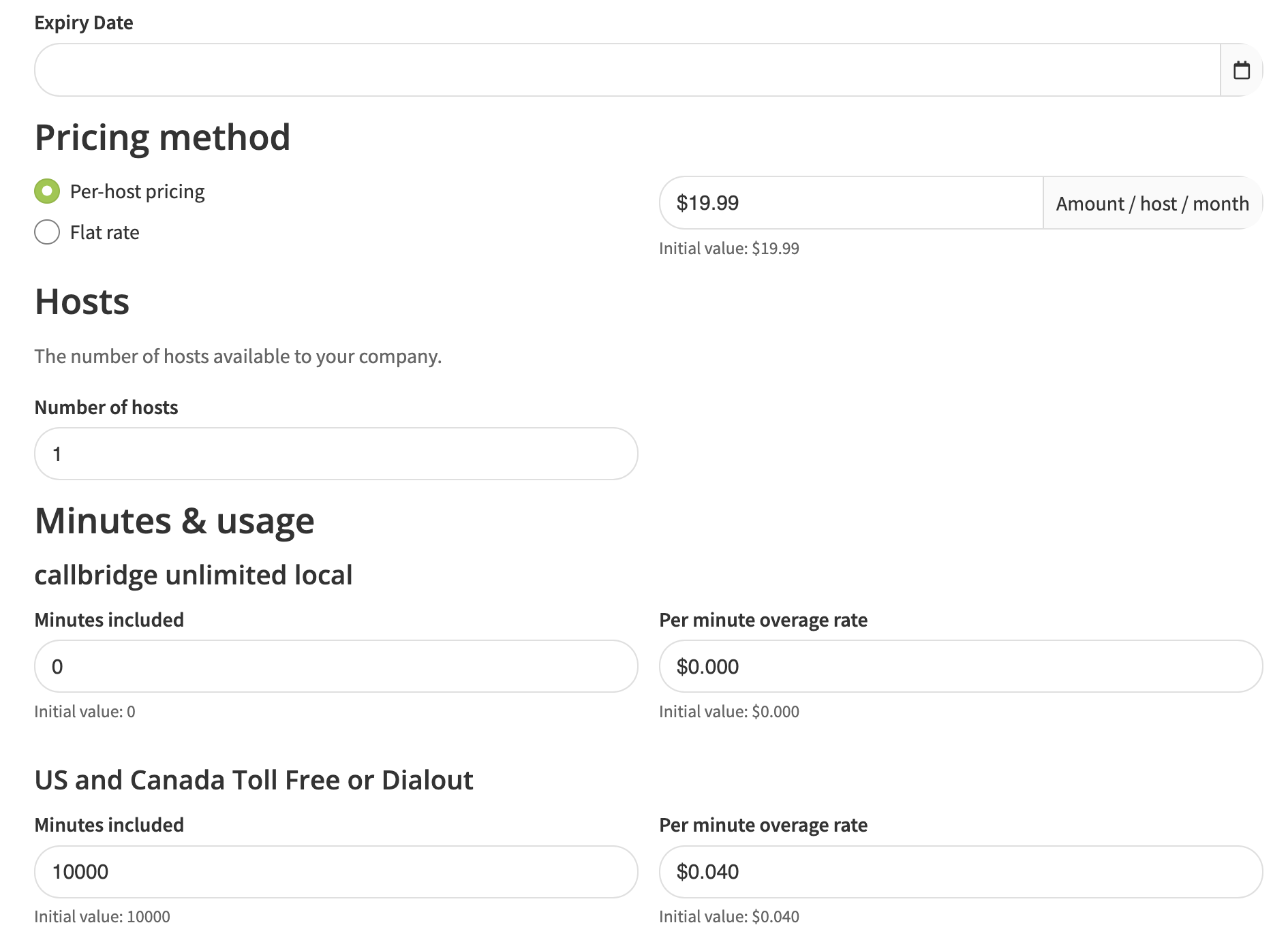
- Adjust the pricing method, expiry, number of hosts, included minutes and rate where applicable.
- Select 'I understand, subscribe'.
- If host accounts already exist, and sufficient host subscriptions have been purchased, all hosts will be assigned to this plan or add-on. To verify or to add a subscription only to specific host accounts, navigate to 'Hosts' > 'Edit', assign that subscription to the host and save changes.

Edit a subscription
Navigate to the 'Subscriptions' section of the company where you want to add a subscription and click or tap 'Edit plan'.
- Set an expiration date
- Change between per host or flat rate pricing
- Adjust the number of hosts that can be assigned to a particular subscription
- Create custom minute buckets with custom overage rates for any given billing group
If you need to make a change to the attributes of a base subscription plan or add-on, please submit a ticket to Tech Support.Upgrade or switch a subscription
Navigate to the 'Subscriptions' section of the company where you want to add a subscription and click or tap 'Edit plan' > 'Switch plan'.
Cancel a subscription
Navigate to the 'Subscriptions' section of the company where you want to add a subscription and click or tap 'Edit plan' > 'Cancel plan'.
Was this article helpful?
That’s Great!
Thank you for your feedback
Sorry! We couldn't be helpful
Thank you for your feedback
Feedback sent
We appreciate your effort and will try to fix the article